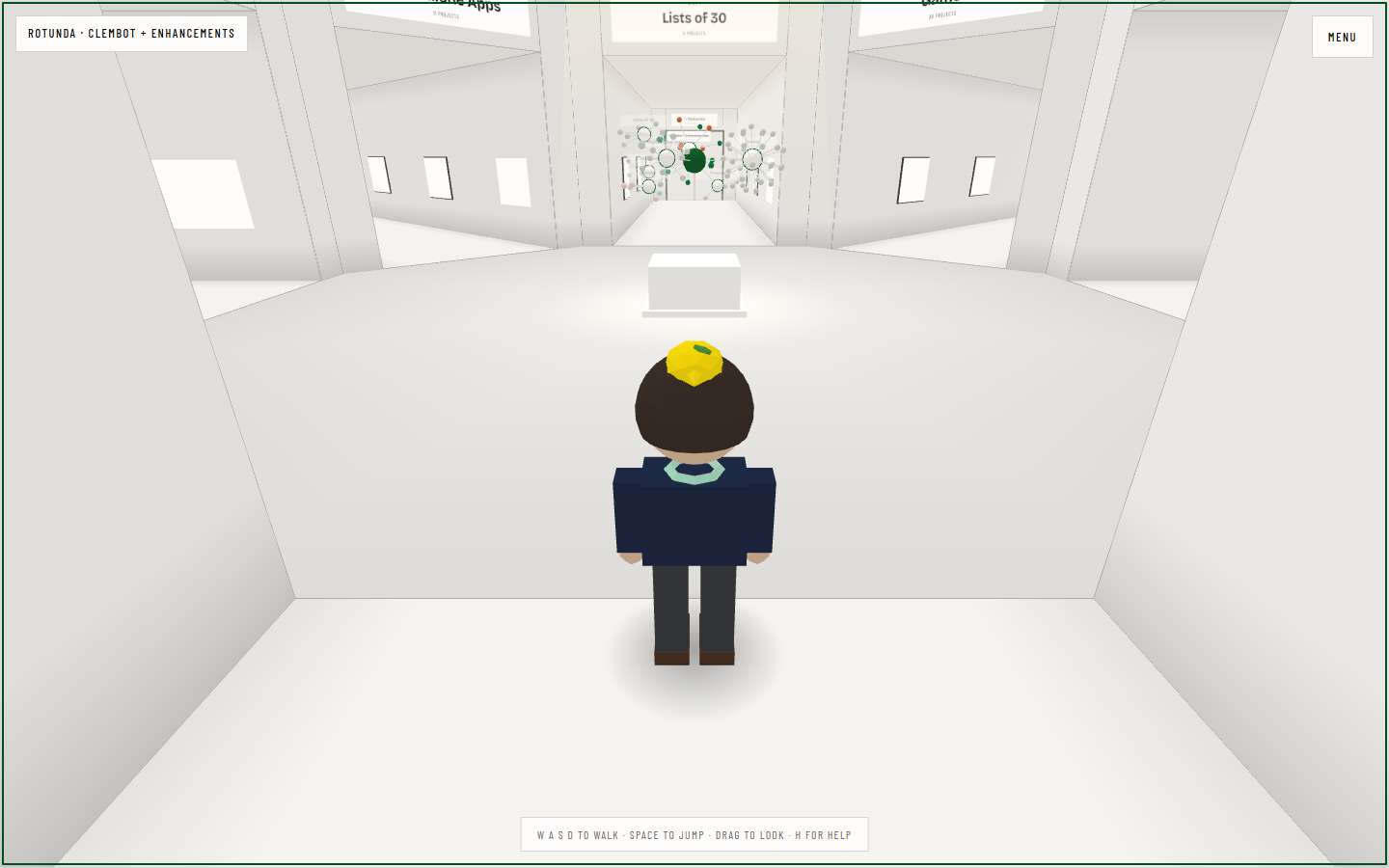
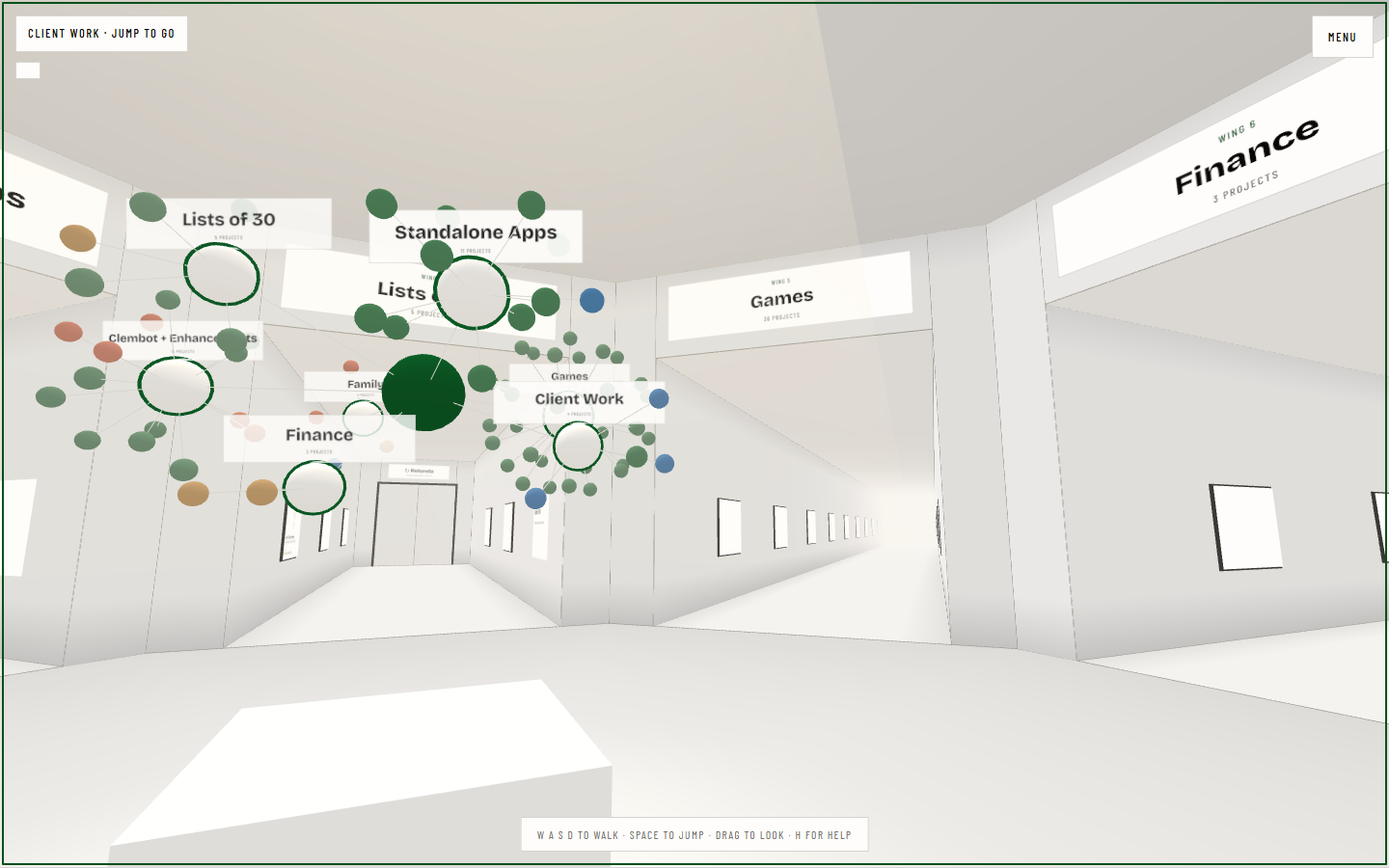
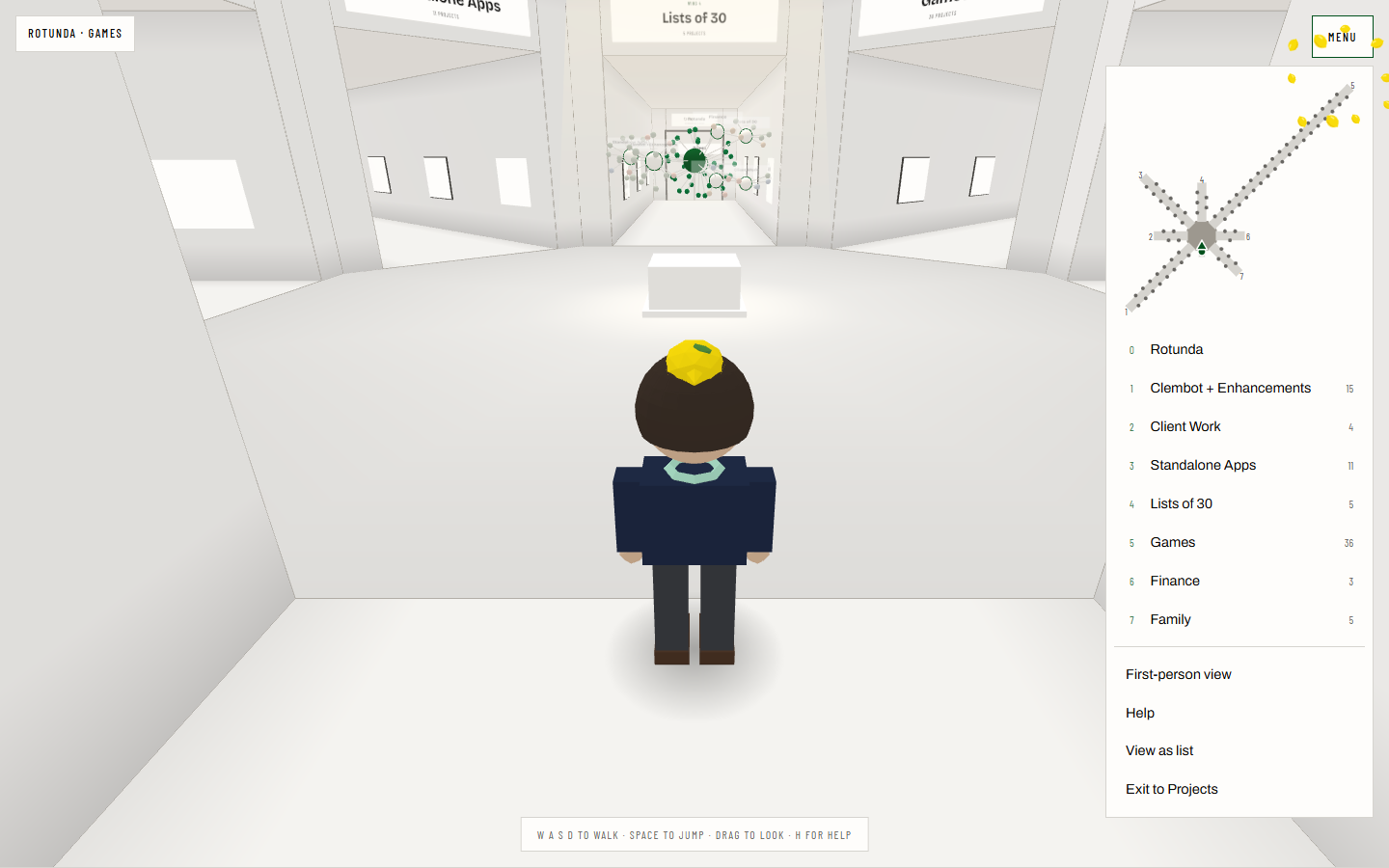
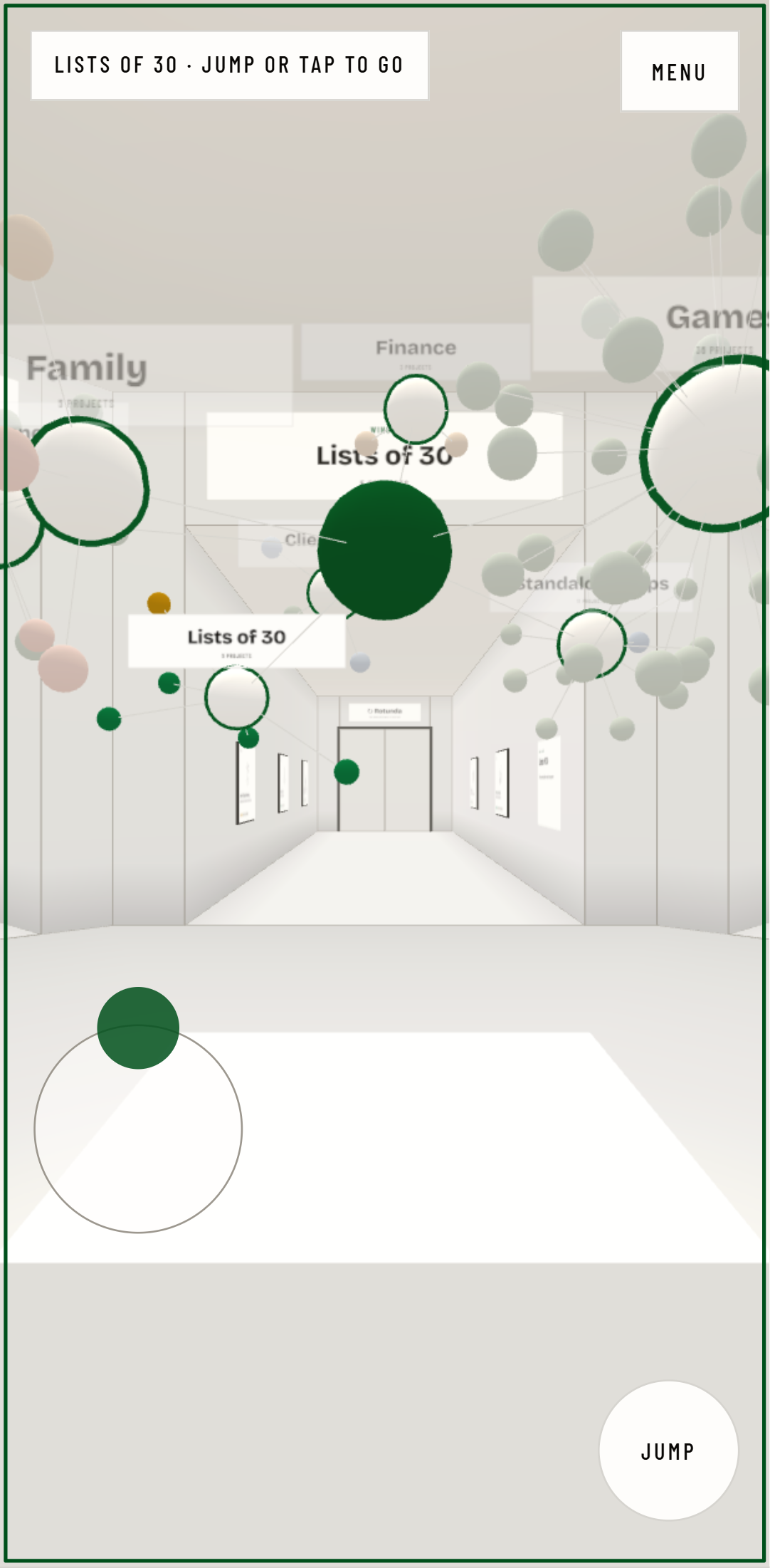
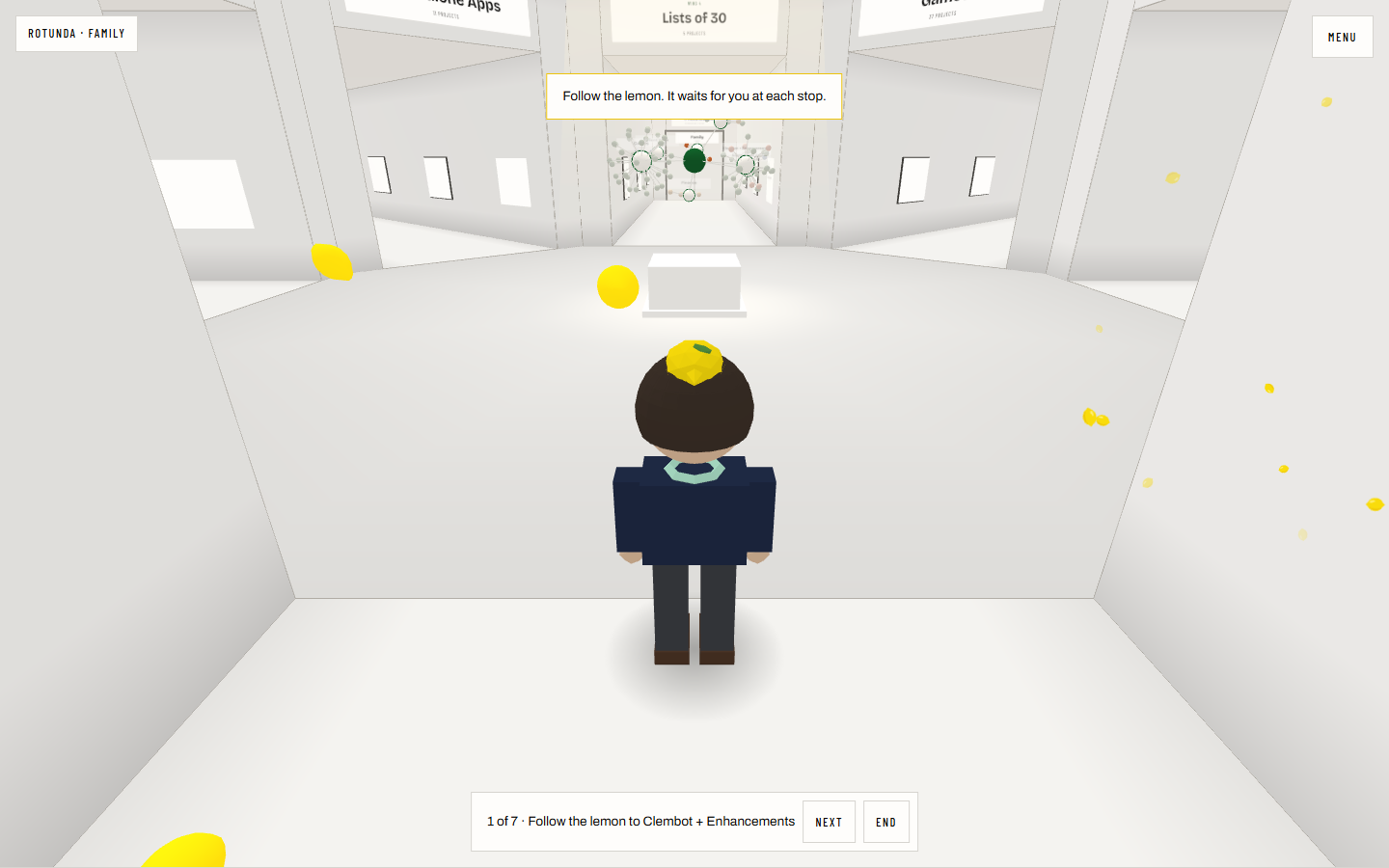
/projects is a long list. This is the same list as a building you can walk around. Each track is a wing off a central rotunda and each project is a bay with its drawing on the wall. Walk up to a bay and its spec card and screenshots light up beside it. Jump into the painting and you’re on the project page. Back brings you to the spot you left.
How it is built
The engine and the drawing are kept apart. Movement, collision, the camera, doors and crossings all live in plain TypeScript with no three.js and no DOM, so they run under node --test: 52 checks, including ones I broke on purpose to make sure they fail. The renderer only draws what the engine says.
Every wing ends in a door that loops back to the rotunda. When the door is open, the far side is rendered from a second camera into the doorway, so you see the rotunda through it and walk straight through without a cut. A pixel-diff script crosses the door frame by frame and fails if more than 2% of the screen changes at the crossing.
The rotunda holds the map from /projects. It isn’t a copy: both pages share one module for the graph, its colours and its force layout. Face a track and it blooms the way it does when you click it on the page. Jump and you go there.
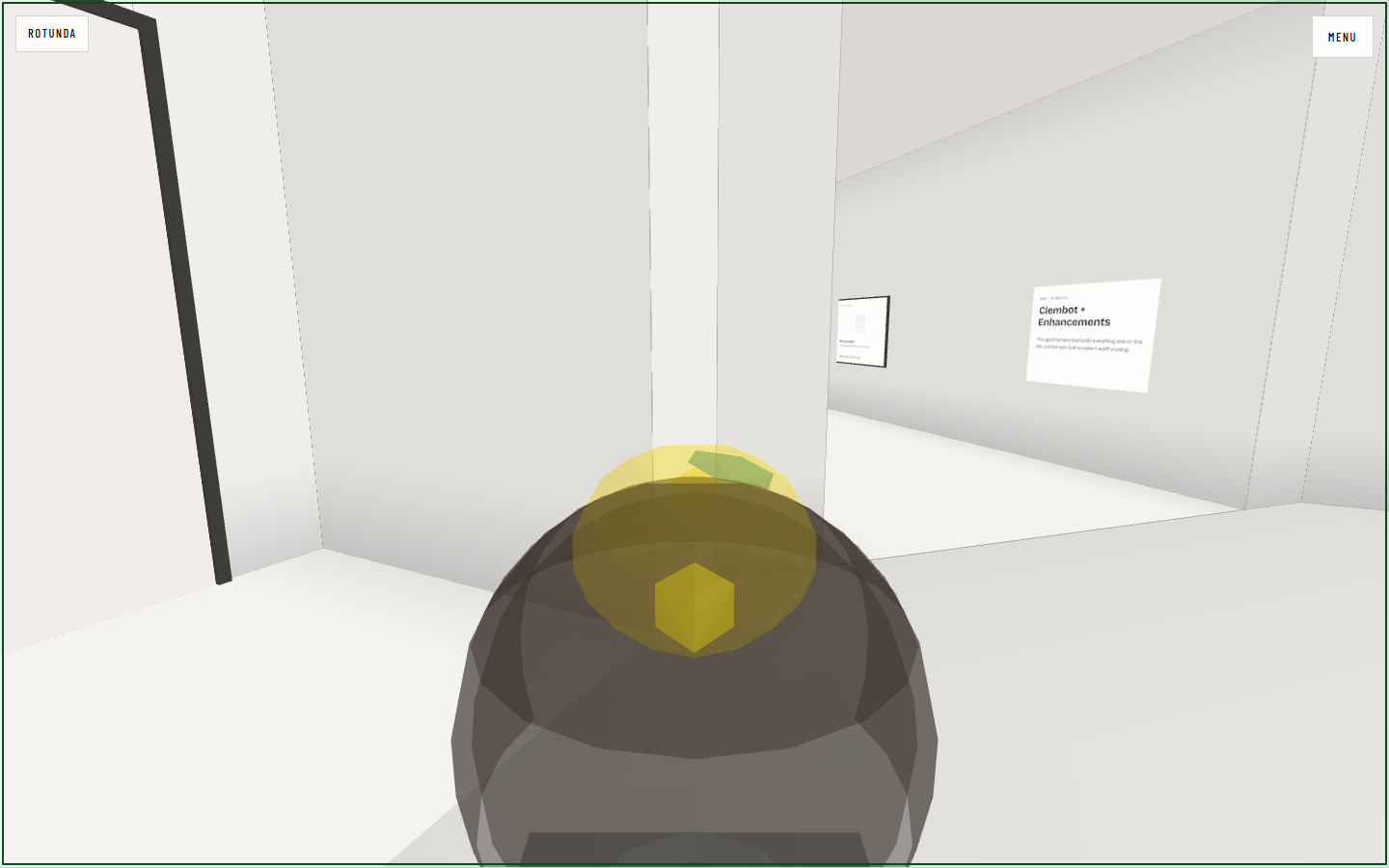
Third person is the default on a desktop. Scroll in past the closest distance and the camera flies into the figure’s head. Scroll out and it flies back. The figure is an original character of me in a lemon hat.
Phones
Phones start in first person, so the panels fill the screen and the text stays readable. The left thumb is a joystick and the right side of the screen looks around. Walking up to a painting shows a small pill with the project’s name instead of the full card, so the view stays clear; tap it to read more. The page watches its own frame rate and steps down a quality tier when it can’t keep up: resolution first, and the see-through doors last. It never steps back up, so it can’t flicker between two settings.
Follow the lemon
For anyone who’d rather not steer, the menu has a guided tour. A glowing lemon floats a few steps ahead and leads you to one project in each wing, seven stops in all. It waits if you fall behind, and at each stop it rises over the painting and the card opens. Next and End sit in a bar at the bottom.
The route isn’t drawn by hand. The engine plans it from the building: out through the wing’s doorway, round the map’s stand on an arc, into the next wing. A test starts from 260 random places in four building shapes and checks that every route to every stop stays on the floor, so the tour keeps working as wings grow.
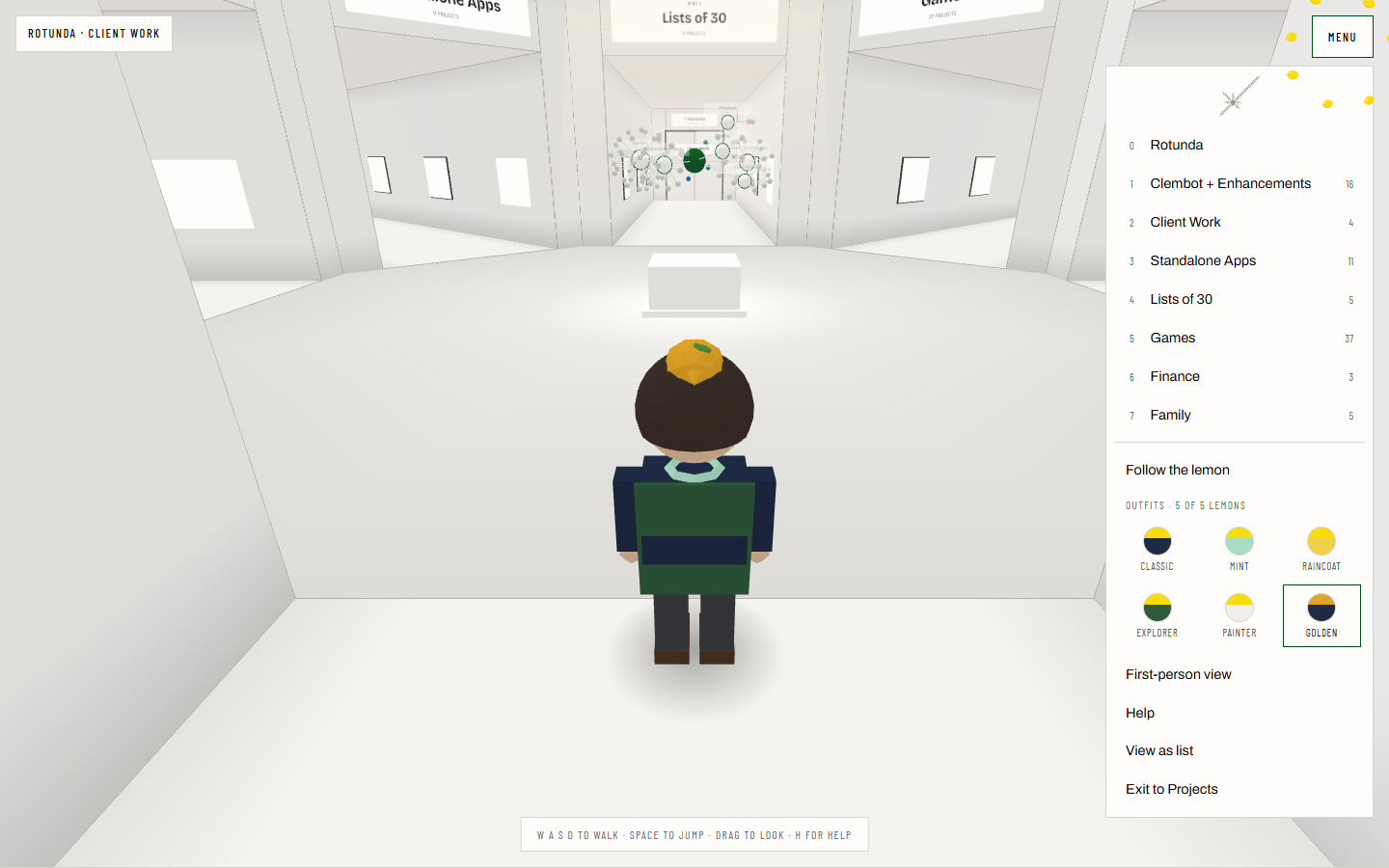
Five more lemons are hidden around the building. One sits behind you at the start, one is behind the map, two wait at the far ends of the longest and shortest wings, and one hangs high on the rotunda wall where only a jump reaches it. Each find puts on a new outfit: a mint jacket with a lemon scarf, a raincoat with a hood, an explorer’s backpack, painter’s whites, and a golden hat with a cape for finding all five. The outfits sit in a fixed grid of swatches in the menu, so it doesn’t grow as you collect them. Finds are saved in your browser.
Clem’s Travels
One door in the rotunda doesn’t lead to a wing. Beside the home arch, a short recess ends in a doorway full of stars, and stepping through it takes you to a dark round room with a globe sunk in the middle of the floor. Every place from travel.listsof30.com is a pin on it, and the lines over it are the trips, each from where it started. The globe holds still. You walk round its rim to see the other side of the world.
The fifteen places I’ve written the most about hang round the wall as cards, each with its photo from the travels site. Look at a pin or a card and its card opens. Jump at it, or press Enter, and you’re on that place’s page. Back brings you to the same place, looking at its pin. Tab walks you round the globe from west to east, one place at a time. The room has its own page.
The globe is in a pit because most of my places are north of 40°. On a globe at eye level they crowd its top edge, where you see them edge-on. From above, the north faces you, and the south still shows over the rim.
The room is a thousand meters from the gallery, well past the fog, so neither one is ever in view from the other, and the star gate is a short fade rather than a see-through door. Inside, the view switches to first person, because from behind your own shoulders the globe hides half the wall.
What it costs the rest of the site
three.js loads on this route and nowhere else, and the /projects bundle didn’t grow beyond the link to it. A frame stays under 180 draw calls with a door open: 174 at the worst spot on a desktop, with all five hidden lemons drawn as a single mesh. Without JavaScript or WebGL, the page is a complete server-rendered list of the same wings and projects. That list is also the screen-reader path and sits under the gallery for anyone who’d rather scroll.
Tradeoffs
The gallery is decorative and the card on screen holds the real link, so nothing depends on clicking a 3D surface. Screenshots in the bays are captured only for projects on an explicit allowlist. Client, finance and family work never gets captured, even if someone adds it by flag.