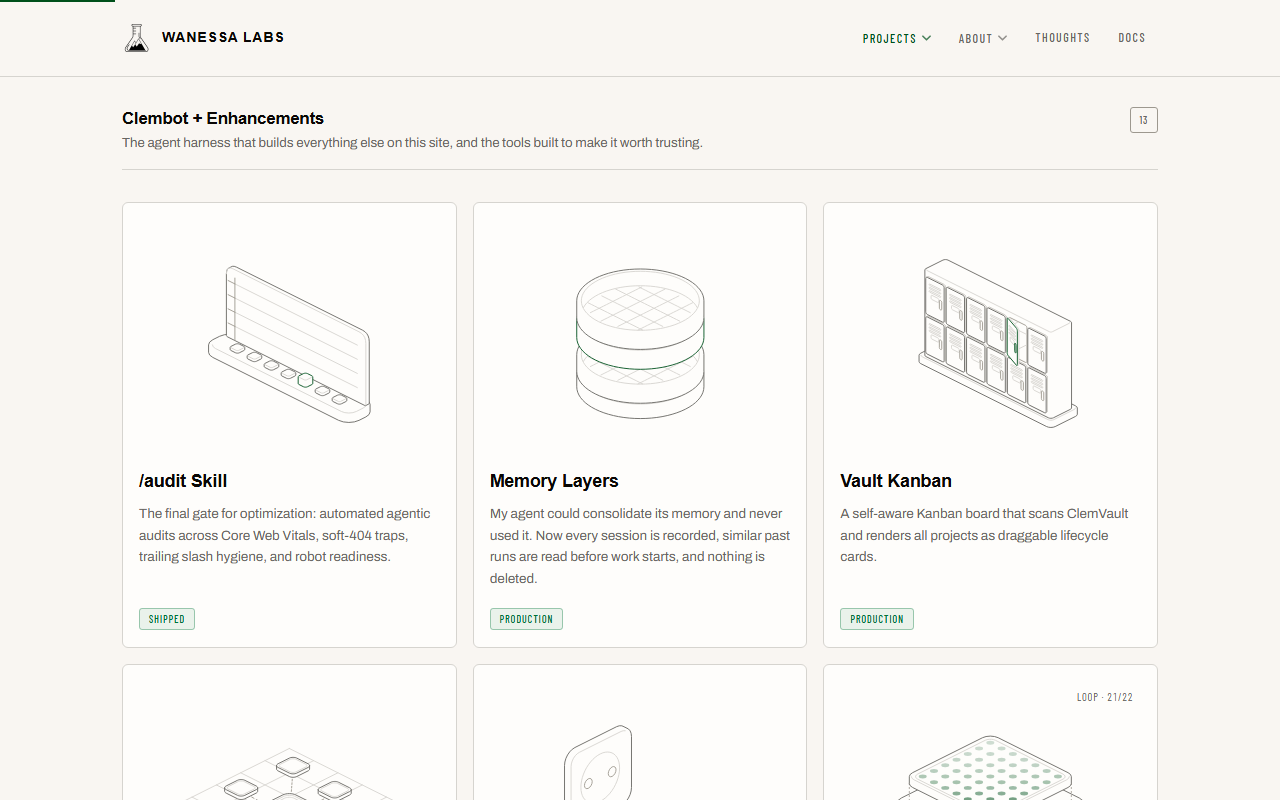
A project page used to be a title, a sentence and a badge. Over seventy cards like that look the same, and the tools I build for the vault are the hardest to picture of all. A static icon says nothing about what a tool does, and a screenshot of a terminal says even less.
What it does
Hairline is an MIT-licensed set of small isometric line drawings by Lucas Marques. Each one is an SVG that answers a pointer or a tap: a drawer slides open, a lens drags across a page, a lock opens when you come near. I treat it as a design tool in the same sense as the type scale or the color tokens. It is something I reach for to show what a tool does, and it follows the site’s rules instead of bringing its own.
It runs in two places today:
- wanessalabs.com/projects, Figures view. Every project has its own figure, and no figure is used twice. The library ships 33 stock figures, and 13 of them still sit on the projects they fit best. Every other project has a custom one, drawn for this site and redrawn one by one so it says something about its project. A test fails the build on a duplicate, and on any active project that has no figure.
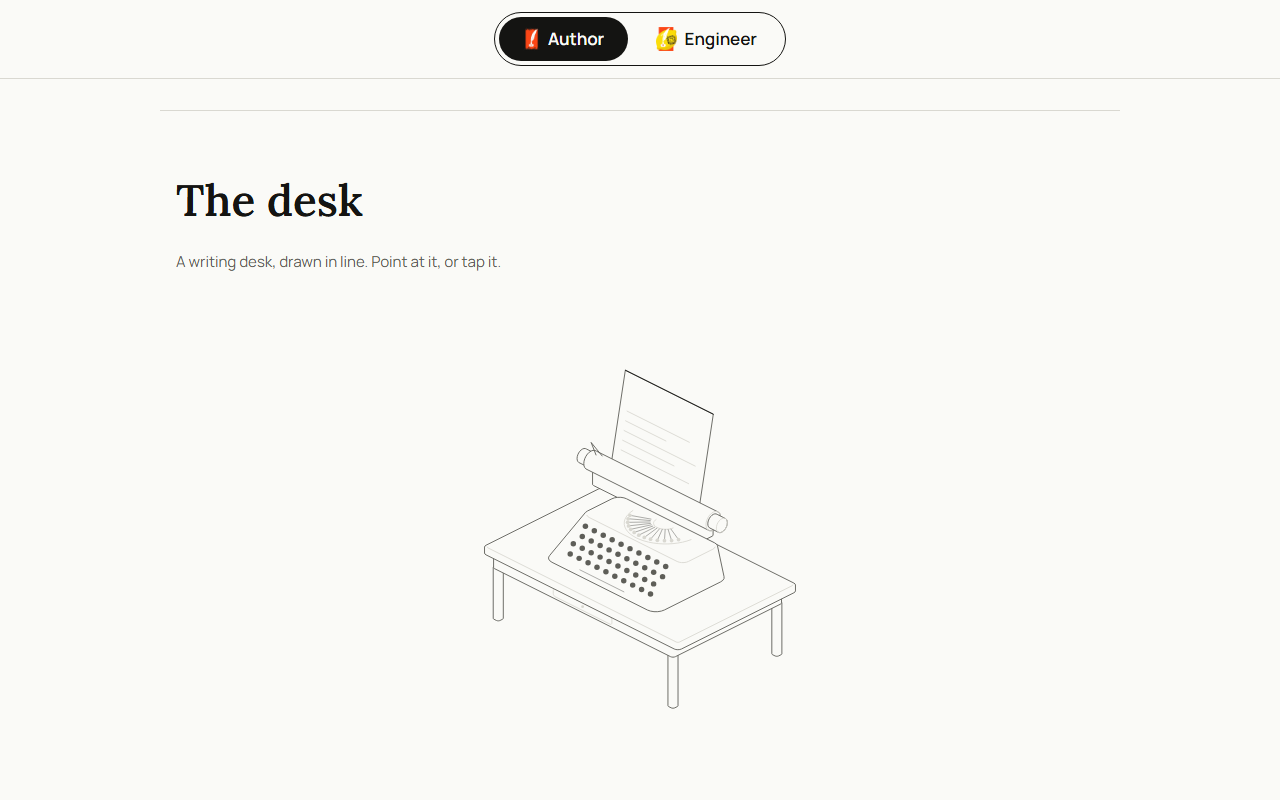
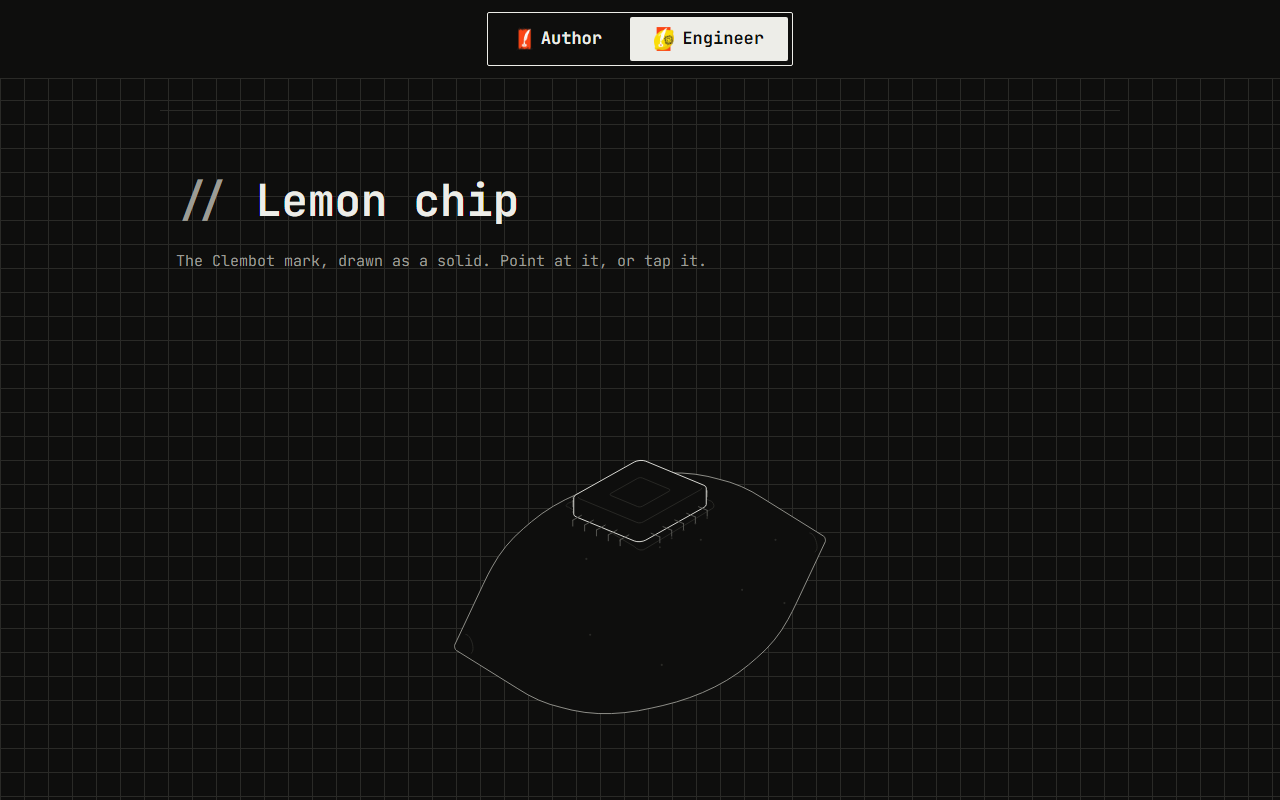
- clemens.listsof30.com. One figure per mode, in the same spot above the sign-off. Author gets a typewriter on a writing desk. Engineer gets the Clembot lemon with a microchip set into it.
This page has its own figure too: a drafting board where a T-square slides to the ruled line your pointer is nearest, and that line goes bright.
How it stays on-brand
Hairline reads a handful of --hairline-* variables, so the drawings take their colors from each site’s tokens. On the projects page the one bright stroke is the site’s green. On the personal page there is no hue at all: ink on paper in Author, paper on ink in Engineer. I never edit the library’s kernel. A custom figure is one small file against it, checked by the validator that ships with the hairline-create skill.
Nothing loops. A figure rests until a pointer or a tap reaches it, only figures near the viewport are mounted, and the animation loop sleeps when one scrolls away.
Honest limits
- I checked touch in Chromium emulation only. I have not run it on a real iPhone, so Safari touch behavior is unconfirmed.
- Some figures read thin at card size. The mahjong wall is the most likely to be misread, so it is next in line for a redraw.
- A few figures move less than the skill’s own guide asks for. Drop4, slowpoker and the typewriter are the lightest. They answer, with less motion than the guide asks for.
- The tours are unwatched. Each figure has a scripted tour for tap-to-demo, and I have checked that they are well-formed, not sat through them.
- The figures sit on top of the write-up. They help someone picture a project, and the page under each one still has to carry the facts.