This page used to describe a different product, one that was never built. The correction is the most useful thing on it, so it goes near the top rather than in a footnote.
What This Page Used To Claim
That you photograph a homework question, that a vision model reads the photo and works out the subject, topic and grade, and that a parent dashboard shows you seven days of activity.
None of that exists. There is no camera, no photo upload, no vision model, no API call of any kind, no dashboard, and no session log. There is no AI in this anywhere. The spec was doing a lot of work the code was not.
What got built instead is smaller, and it is finished and live, which the ambitious version never was.
What It Actually Is
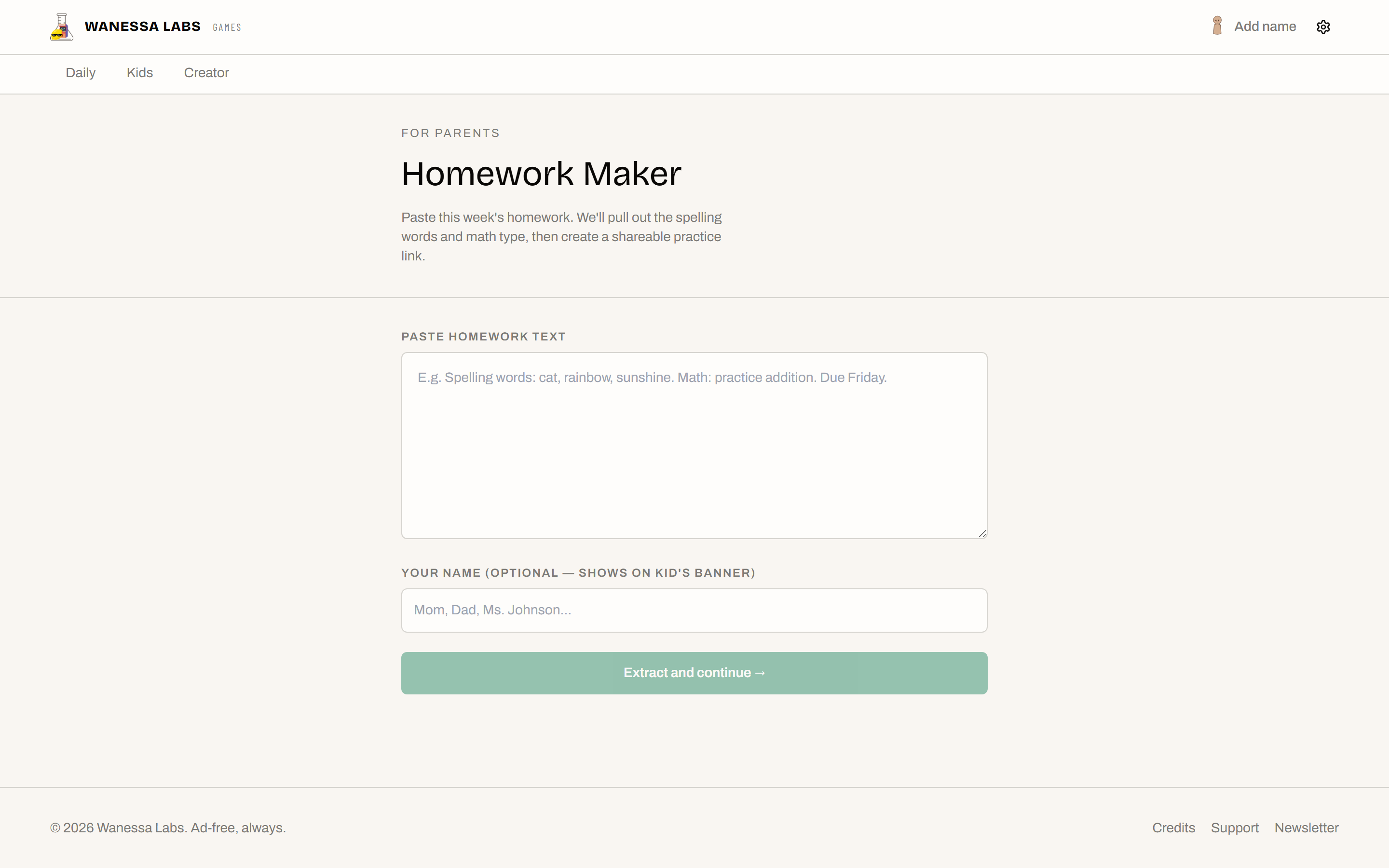
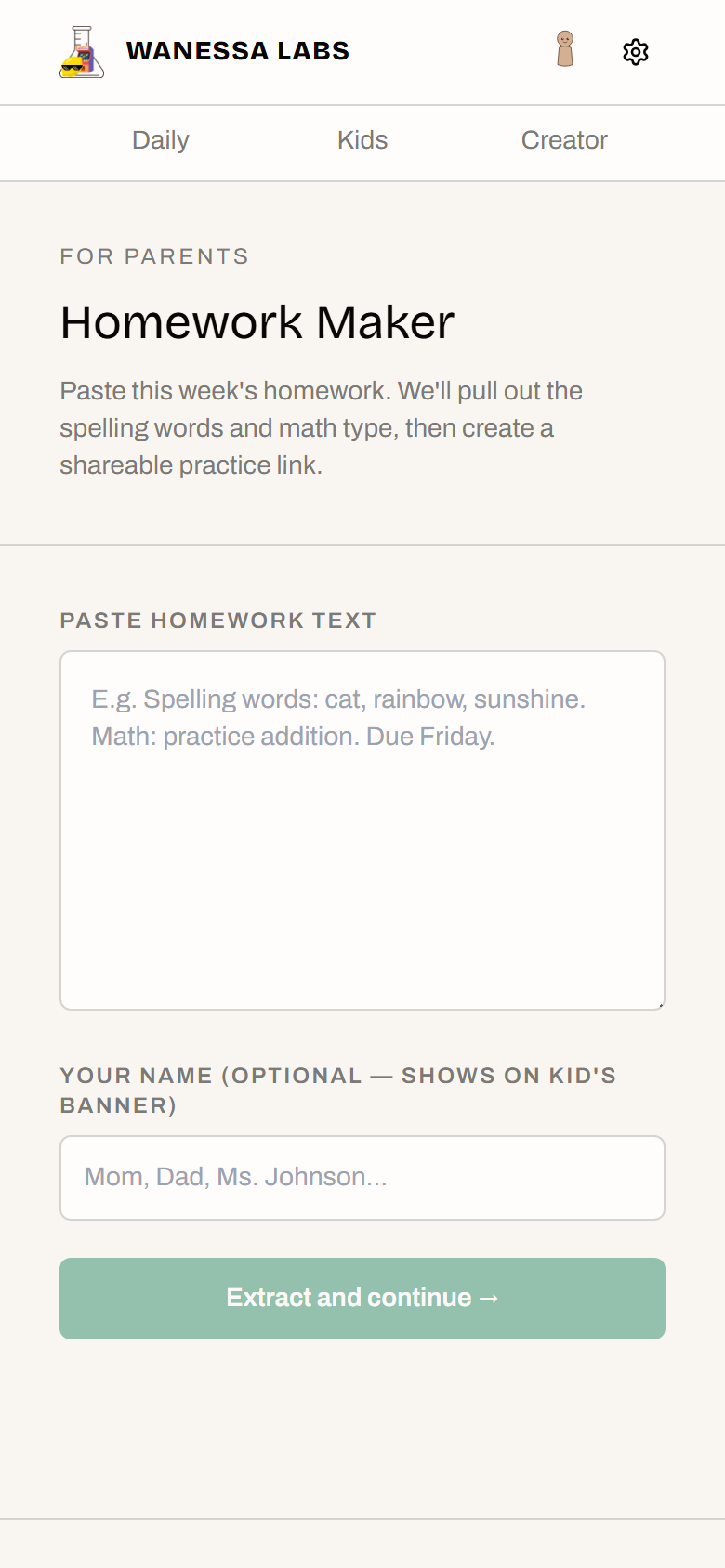
A parent pastes the text of this week’s homework into a box. Not a photo. Text, out of the school email or off the worksheet.
Two regular expressions read it. One pulls out the words that look like spelling words. The other works out whether the maths is addition, subtraction, multiplication or division. You get a list back, you delete anything it grabbed by mistake, and you can put your name on it.
Then it gives you a link.
Your child opens the link and lands on four games already loaded with their actual homework: spelling and typing with this week’s real words, a word search with those words hidden in it, and maths drill set to the right operation. There is a small “From Mom” banner if you added your name.
That is the whole product. A link generator.
Why Regular Expressions Instead Of A Model
Because the job is genuinely that small.
“Spelling words: cat, rainbow, sunshine. Math: practice addition.” is not a hard parsing problem. A model would cost money per use, need a network round trip, need a key kept somewhere safe, and break when the network is down, all to do something two lines of pattern matching already do correctly.
The failure mode matters more than the accuracy here. When the matcher grabs a wrong word, the parent is looking straight at the list and deletes it in one tap. There is a human reviewing the output before a child ever sees it, which is exactly the situation where you do not need the clever version.
It also means the whole thing works offline and there is nothing to bill.
What The Link Carries
Everything is in the URL: the words, the maths type, and the sender’s name. Nothing is stored, no account exists, and nothing is sent anywhere. The link is the entire state of the thing.
The parameters are validated on the way in, so a mangled or hand-edited link degrades to the plain games rather than breaking the page.
The honest consequence: anyone with the link has the link. It is a list of spelling words, so that is a trade worth making, but it is a trade rather than an oversight.
Stack
| Tool | Role |
|---|---|
| React + TypeScript | Two routes inside the main games hub, not a separate app |
| Regular expressions | Word and maths-type extraction. Fourteen tests |
| Zod | Validates the link parameters on the kid-facing side |
| Cloudflare Pages | Hosted at games.wanessalabs.com/homework |
No backend, no API keys, no model, no database.
Live at games.wanessalabs.com/homework, reachable from the kids tab.