
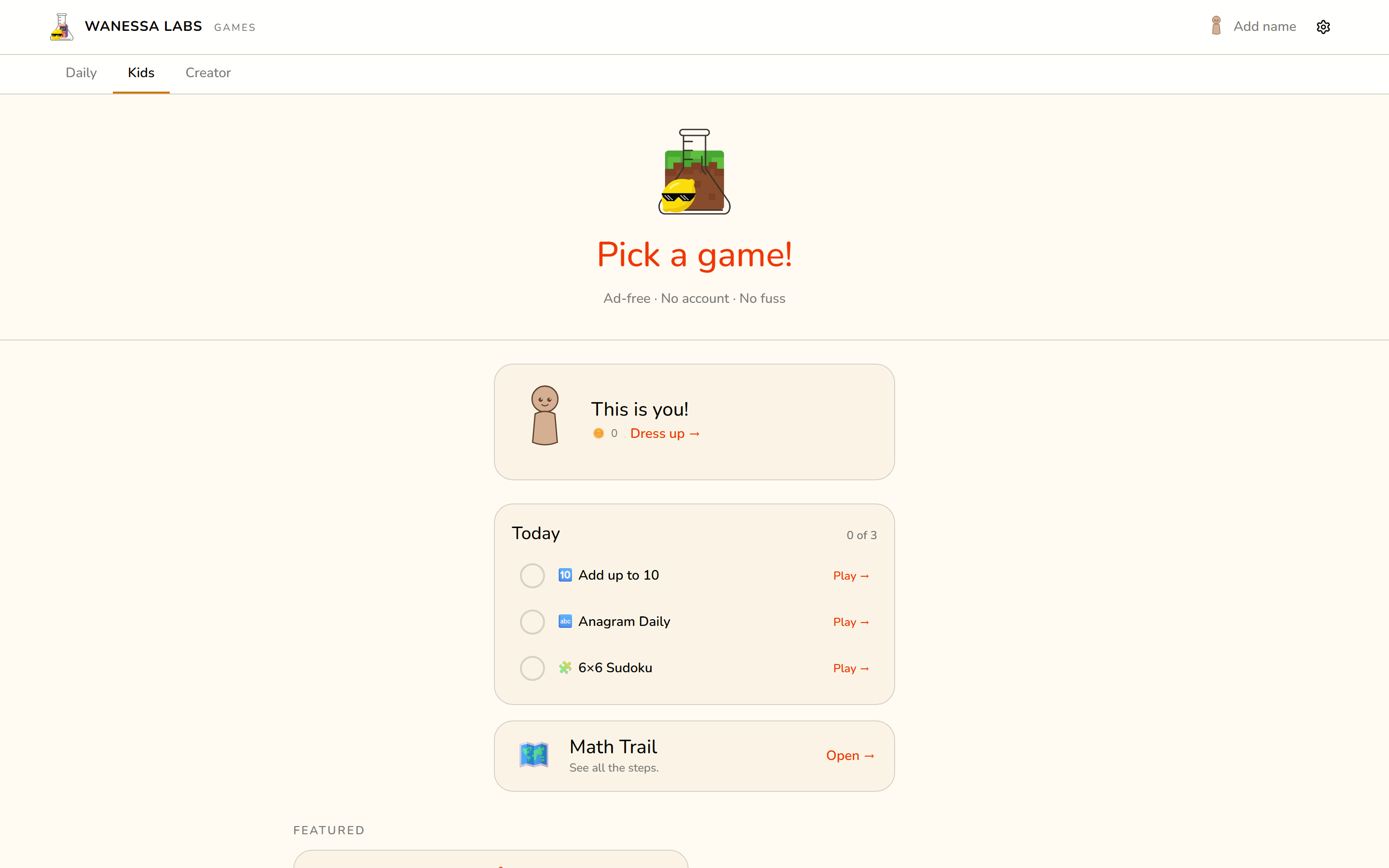
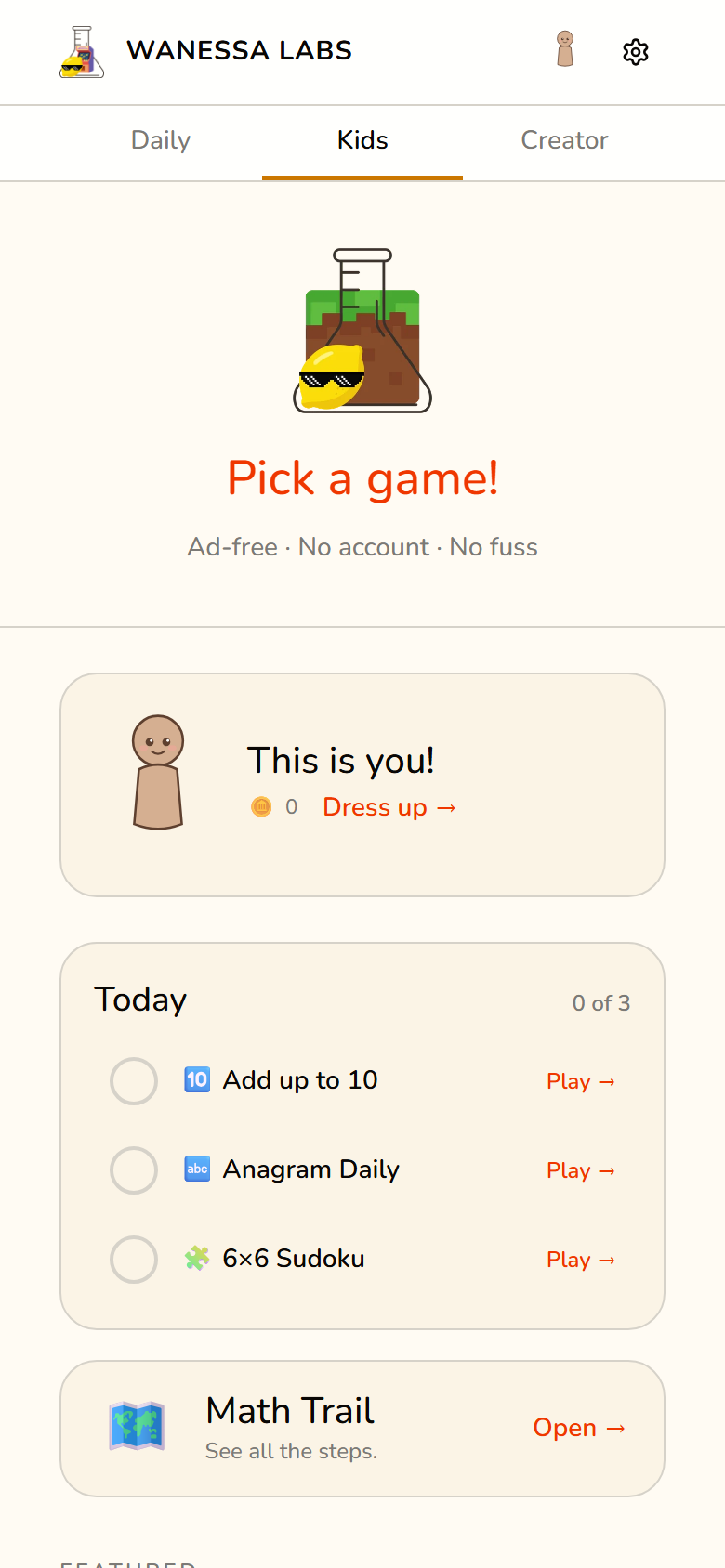
My daughter wants to play the same games I play. The adult hub is too dark, too hard, and built for adult fingers. I wanted a place she could open on her own and succeed at.
The Problem
Two problems, and the second one took longer to see.
The first is the easy one: dark theme, hard puzzles, small tap targets. A child playing independently needs bigger targets, brighter design, and difficulty tuned so early wins happen.
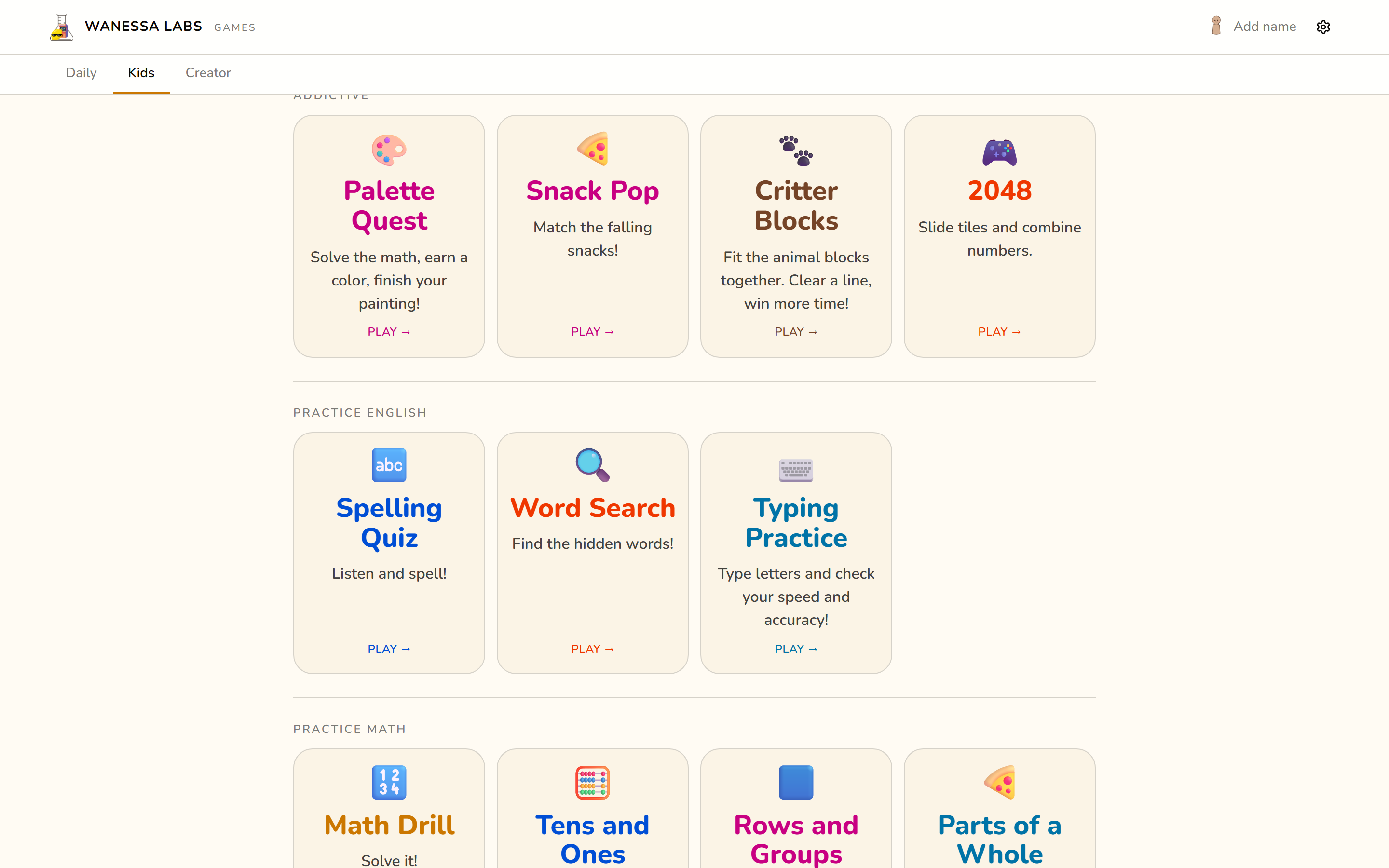
The second only showed up once the hub had twenty-six games in it. A grid of twenty-six tiles is not a menu to a seven-year-old, it is a wall. She would open the hub, scroll, and close it. The fix was not another game. It was telling her one thing to play next.
What It Is
A kids tab at games.wanessalabs.com/kids, inside the same app as everything else. Eighteen kid-friendly games in two groups: nine to play, nine to practise with.
The newest of the nine is Drop4, a seven-by-six drop-disc game she can play against me or against a bot. It earned its place on this tab for what it does not have: no clock, and no way to lose by running out of anything. That is the shape these surfaces are for.
I had originally planned this as a separate app on its own subdomain, with PIN-protected parental controls. I did not build that, and I am glad. A fork would have meant a second deploy, a second service worker, a second install prompt, and a shared avatar that no longer worked. The whole thing is a route and a flag instead.
The flag is set by the route, not by a toggle. Land on the kids page and the hub is in kids mode; land on the home page and it is not. There is no switch to leave in the wrong position.
The Maths Trail
A trail of eight worlds and eighteen steps, running from adding up to ten through place value, times tables, fractions, clocks and coins, and out to logical deduction on a Sudoku grid. Finishing a step opens the next one.
It is a shell over games that already existed. Nothing was rewritten to build it. Five games were added to close the gaps: four practice games sharing one round shell, plus a 4x4 Sudoku board for the youngest deduction step.
A step can never become a wall. It completes at 60% accuracy, or after three tries at any accuracy, whichever comes first. A child who keeps showing up moves on. There is also a plainly visible “Unlock everything” switch on the parent page, because gating a family tool is not worth a single frustrated evening.
What It Deliberately Does Not Do
This list is the product. It is written into the spec as normative, and it governs the trail and its progress module specifically, not every game the kids tab happens to link to. Most of it is enforced by tests rather than good intentions.
- No paywall. No step is tied to a purchase. The progress module has a test that reads its own source text and fails if
purchase,entitleorpaymentappear in the code. - No streak. Nothing counts consecutive days. The same source test bans the word from the module, a second asserts the saved state never matches it, and a third pins the daily plan’s fields to a fixed list so there is nowhere for a counter to live.
- No timers, no notifications, no loss aversion. Nothing counts down, warns that something is about to be lost, or mentions a missed day.
timerandnotificationare on the banned-word list too. Skipping is silent. - No accounts, no analytics, no network. Progress is stored in the browser on one device, under its own key, and works offline. Nothing is sent anywhere. This one rests on architecture and review rather than on a test.
- No outcome claims. The copy says what a step practises. It never says what practising will do for your child. A test rejects any step or world description that promises to improve, boost or guarantee anything. I am a parent building a toy, not a curriculum vendor.
There is one exception, and it was a deliberate call rather than a slip. The kids page shows three things to do each day, and finishing all three pays 25 coins toward the avatar. A daily list that grants points is, in general, exactly the mechanic the rules above forbid. It ships in a shape that keeps the harm out: no streak, no expiry, nothing lost by skipping, and completion worked out from games already played, so the list keeps no record of its own.
For Parents
A parent page at /journey/parents holds the unlock-everything switch, today’s practice list, profile management, and reset. Resetting clears trail progress only, never game scores or the avatar.
It also has a read questions aloud switch, off by default. It reads each question along with a hint about how to work it out (“count the tens first”, “start with the biggest coin”), and it is aimed at a child who is not reading fluently yet. It never comments on the child.
Two children can share a tablet through named local profiles. Honest limitation: there is no lock, so either child can pick the other’s profile. That is the cost of having no accounts, and on a family tablet it is the right trade.
The grade framing follows the usual 2nd to 4th grade sequence. It has not been checked against any state standard, so treat it as a sensible order rather than a curriculum.
Being Built: Adaptive Practice
Not live yet. Everything above this heading is running at the link on this page. What follows is finished on a branch and has never been opened in a browser, which is a real gap and not a modest one.
The trail tells a child what to play next. It does not know whether the questions inside a game are too easy or too hard, and it cannot tell a parent which ones went wrong. So the next layer does three things.
It picks difficulty from the child’s own answers. Each kind of question has a few levels. She moves up after four of her last five are right, down after three of five are wrong, and never drops more than one level below the best she has reached. A first run opens with about a dozen quick questions that get harder or easier as she goes, so the app finds a starting point instead of guessing from her year group. Nothing in that warm-up is scored, and it says so.
It teaches at the moment of the mistake. A wrong answer used to print the right one. Now it prints the right one and how to get there, in the same words a parent would use at the kitchen table. That question comes back a few rounds later rather than immediately, because re-asking a question a child just failed teaches very little and feels worse.
It tells a parent which problems caused trouble, not which questions. The report says “carrying in two-digit addition, missed 3 of 4”, shows three of the real problems with what she wrote beside what was right, and gives one specific thing to try tonight. That is only possible because every record carries a description of the kind of problem, not just a score.
Building it turned up a bug that had been live for months. The maths generator picks its operation at random, so the rung labelled “Add up to 10” was serving subtraction about half the time. Nobody noticed, because nothing was reading the label. The moment something did, the fix became load-bearing: a record is now labelled by the problem that was generated, never by the link that launched it. A report that is confidently wrong about which skill a child is struggling with is worse than no report.
What it deliberately still does not do: no streaks, no timers, no speed requirement. Answering slowly and correctly moves her up exactly like answering fast. Everything stays in the browser on the device, in its own store, with no account, no upload, and no clock time recorded against a child’s answers.
Honest state: 2092 passing tests, four rounds of deliberately breaking the code to check the tests could fail, and zero minutes of a real child playing it.
Stack
| Tool | Role |
|---|---|
| React + TypeScript | Routes inside the main hub, not a separate app |
| Tailwind | Kids theme via a data-kids attribute on the root |
| localStorage | Trail progress under its own wl-journey key, kept separate from game saves and the avatar so a bug in one cannot corrupt the others |
| Cloudflare Pages | Hosted at games.wanessalabs.com/kids |